 Email Plexus
One Unified Inbox
All your accounts in one list, with a colour label on each message so you always know which address it came to.
For iPhone, Android, Mac, Windows and the web
Sign in once with your email address and every mailbox you've connected, from Gmail and Outlook to iCloud, Yahoo or any IMAP server, is waiting on every device. No icon puzzles: every control is a plain, labelled button you can reorder to suit the way you work.
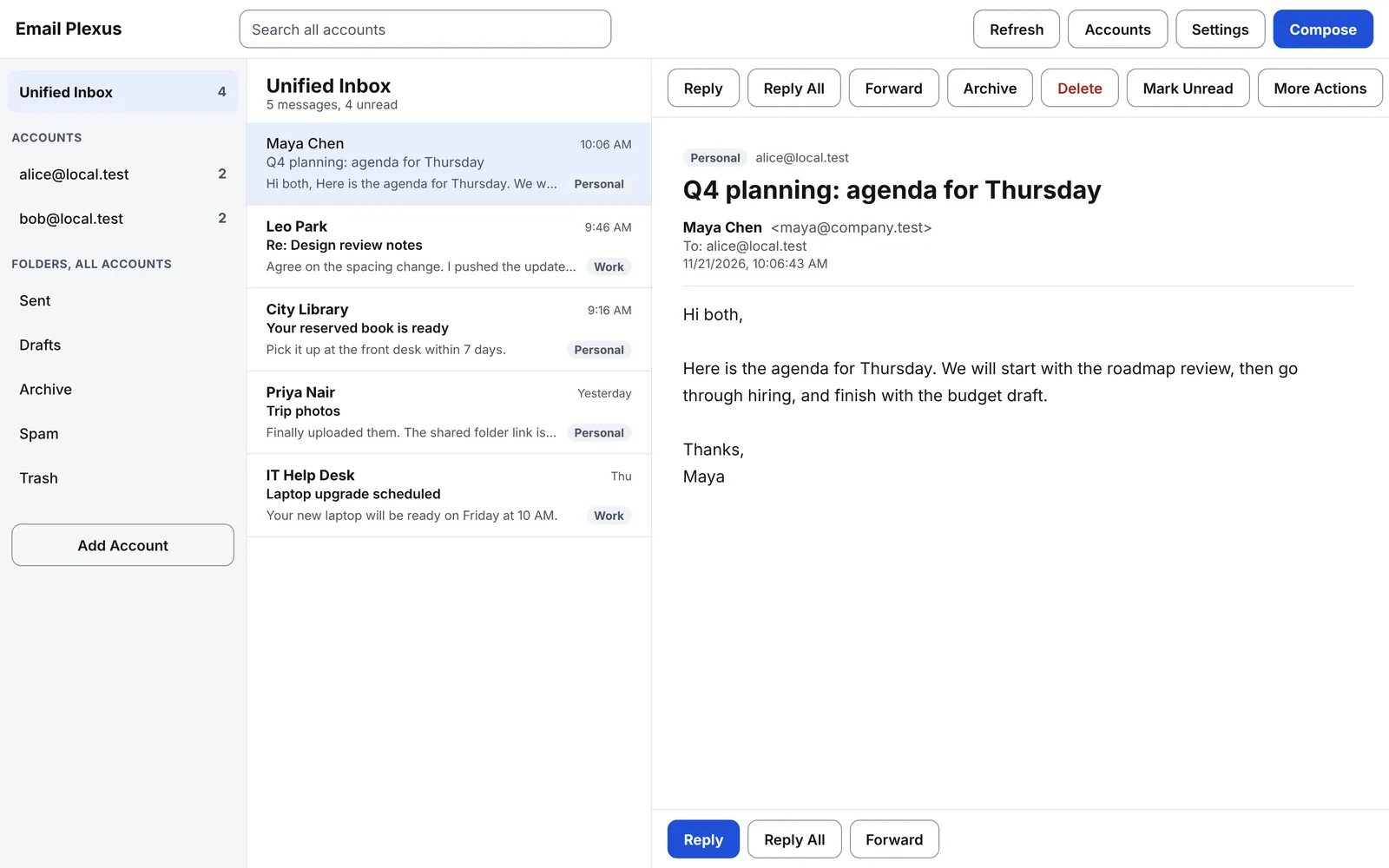
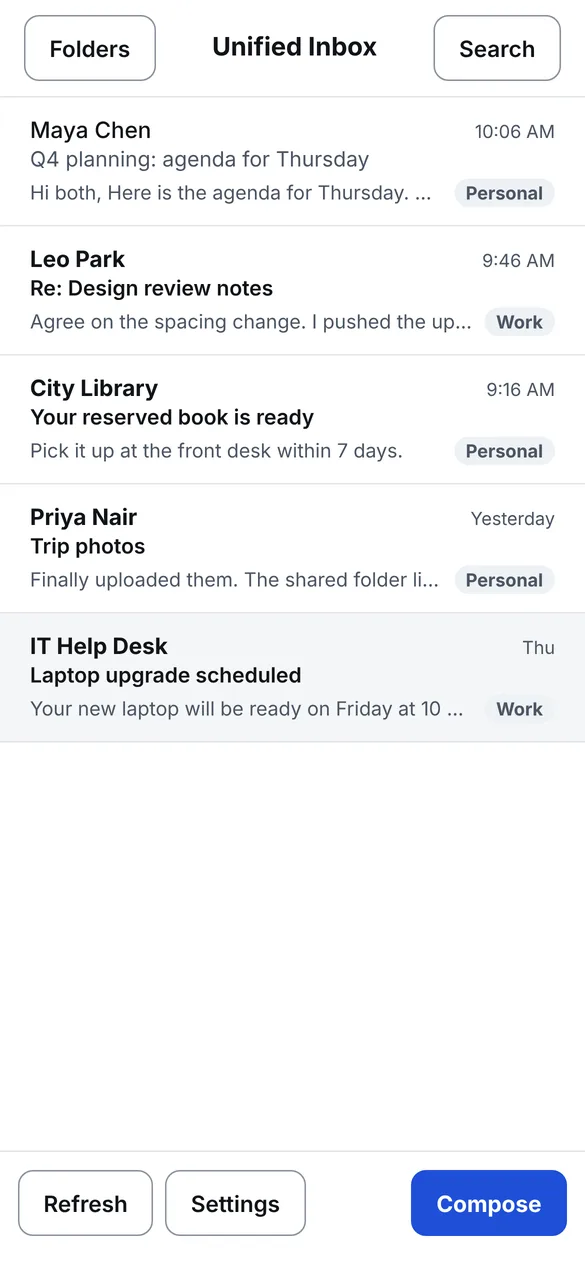
The ideas people love most in modern mail apps, in one place, and none of them hidden behind a subscription tier.
All your accounts in one list, with a colour label on each message so you always know which address it came to.
Choose which actions show, their order, size and style. Put Forward first if that's what you do most. Your layout syncs to every device.
First-time senders wait in their own tab until you say yes. Say no once and they never reach your inbox again.
Mail from people in one tab, newsletters and notifications in Updates, plus tabs of your own, so the mail that needs you isn't buried under receipts.
Send a message away until it's useful, keep a short Reply Later stack, and get nudged when someone hasn't written back.
Schedule mail for the right moment, and take it back within seconds when you spot the typo.
Search every account at once, with a command palette and keyboard shortcuts for people who never want to touch the mouse.
Reusable replies, a signature per account, and rules that file or label mail the moment it arrives.
See the event and answer Yes, Maybe or No right inside the message.
Big, clear type. Light and dark themes. Plain words instead of mystery icons, so there's never a moment of wondering what a button does. Images from senders you haven't trusted stay off until you choose to load them.
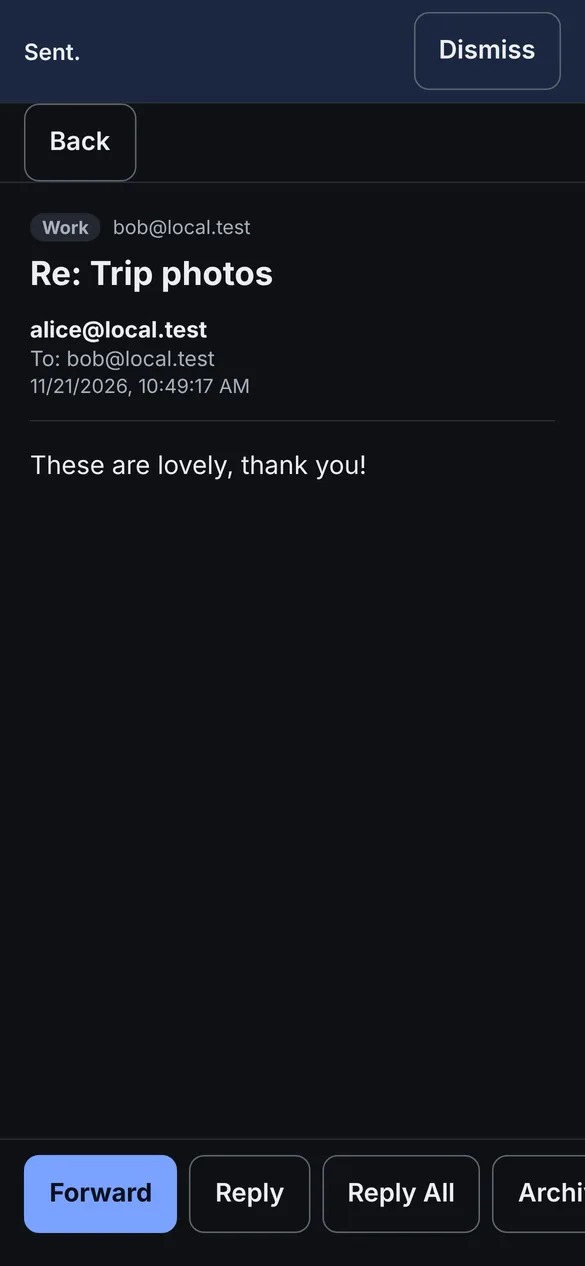
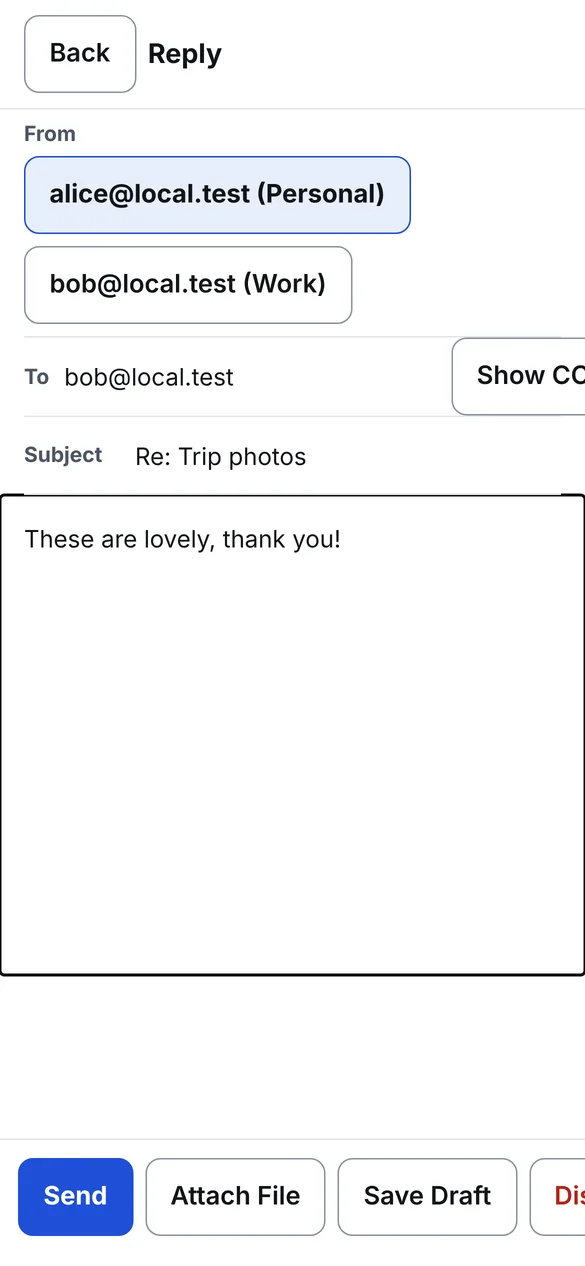
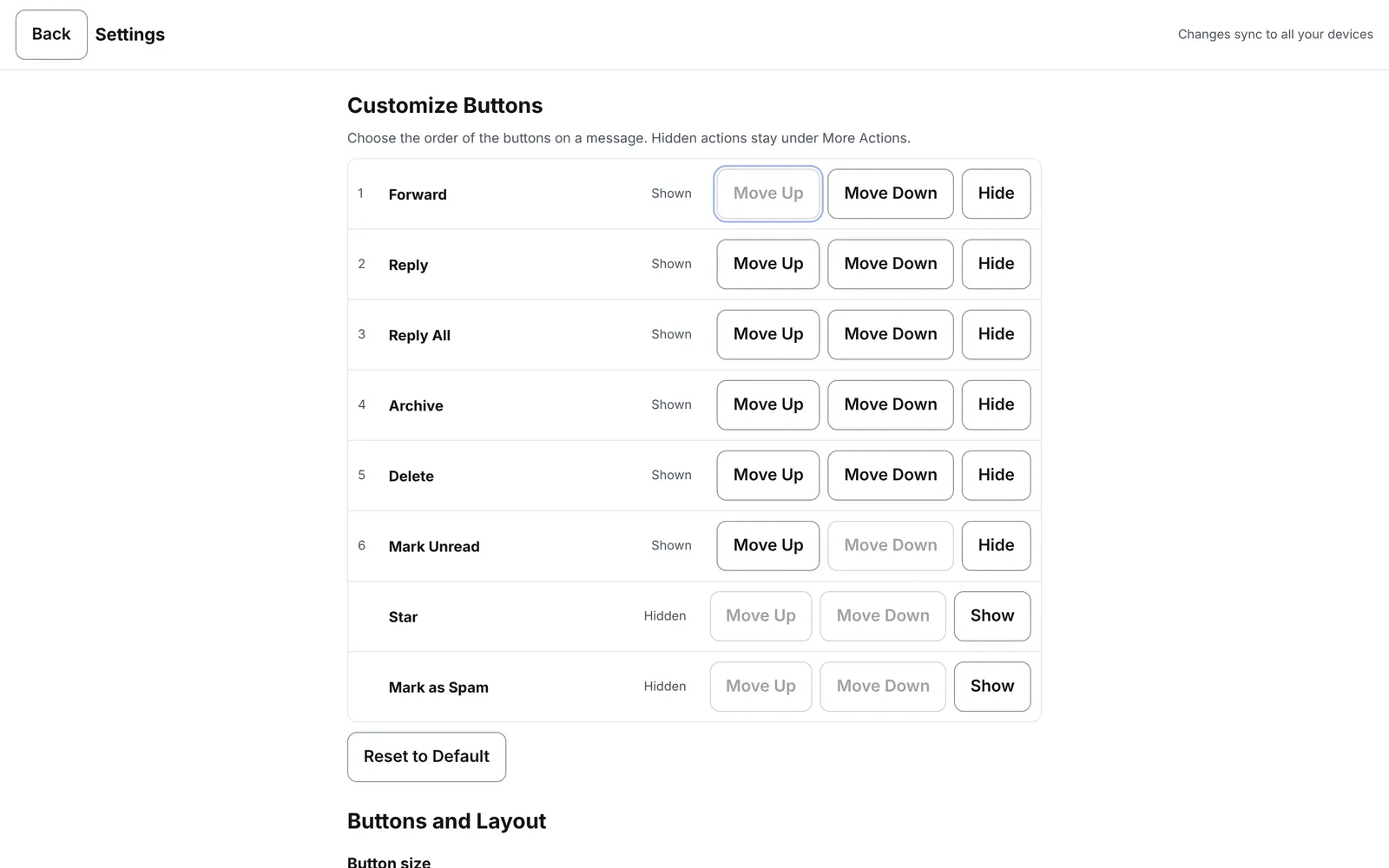
Customise every button: which ones show, their order, size and style.
Mailbox credentials are stored on the server, encrypted with a key that belongs to your account alone, and are never sent back to the app.
Continue with Google or Apple, use a one-time code, and connect Gmail and Outlook with their official sign-in instead of sharing your password.
See every signed-in device and sign one out in a tap. A lost phone stops syncing the moment you do.
No ads, and your mail is never sold.
Your accounts, settings, button layout, signatures and templates follow you. Read something on your phone and it's read on your laptop a moment later.
Email Plexus is in final testing. Send us a note and we'll invite you as soon as it's ready on your devices.
Request an inviteOr write to [email protected]